
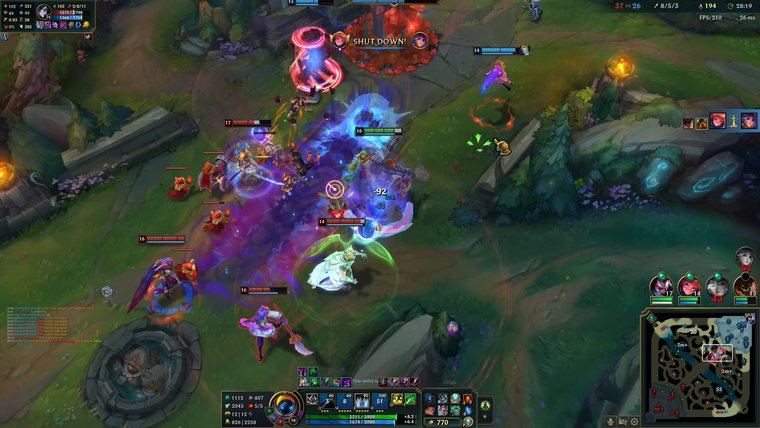
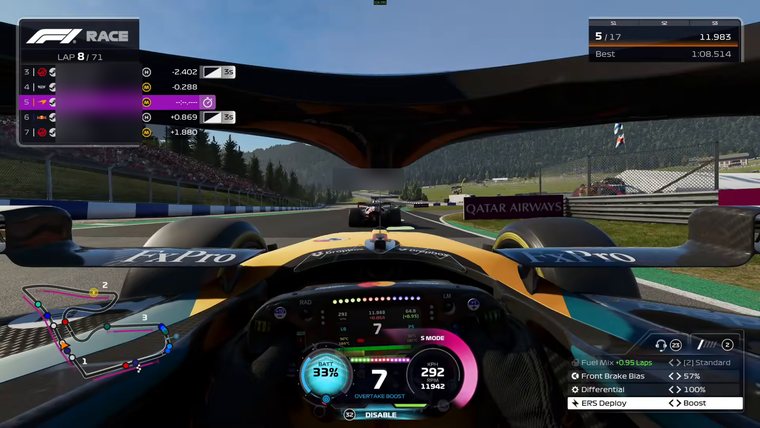
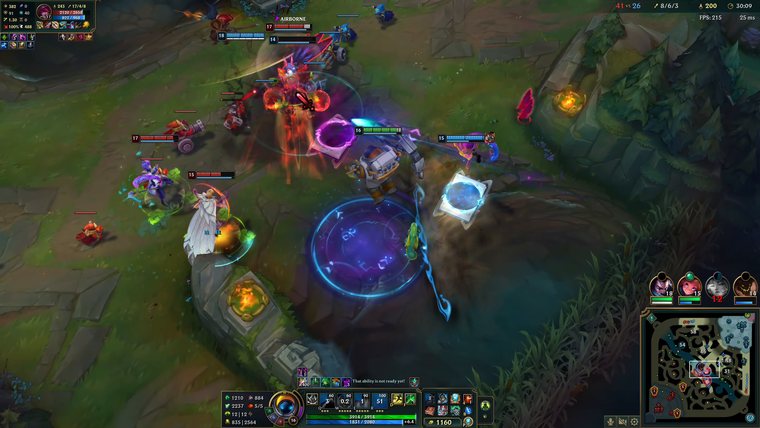
Instant replay for PC games.

Kairo records in the background. Press Ctrl+F9 to save the 30 seconds around the moment, then trim the clip to the frame.

Download for Windows
v0.3.0Windows 11Free, no accountNo Overwolf
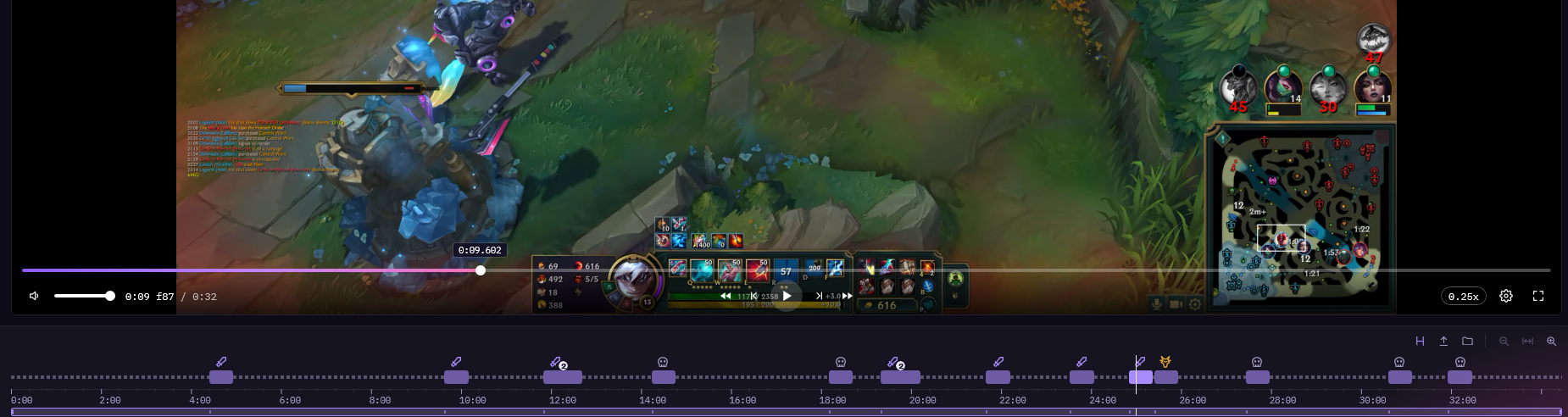
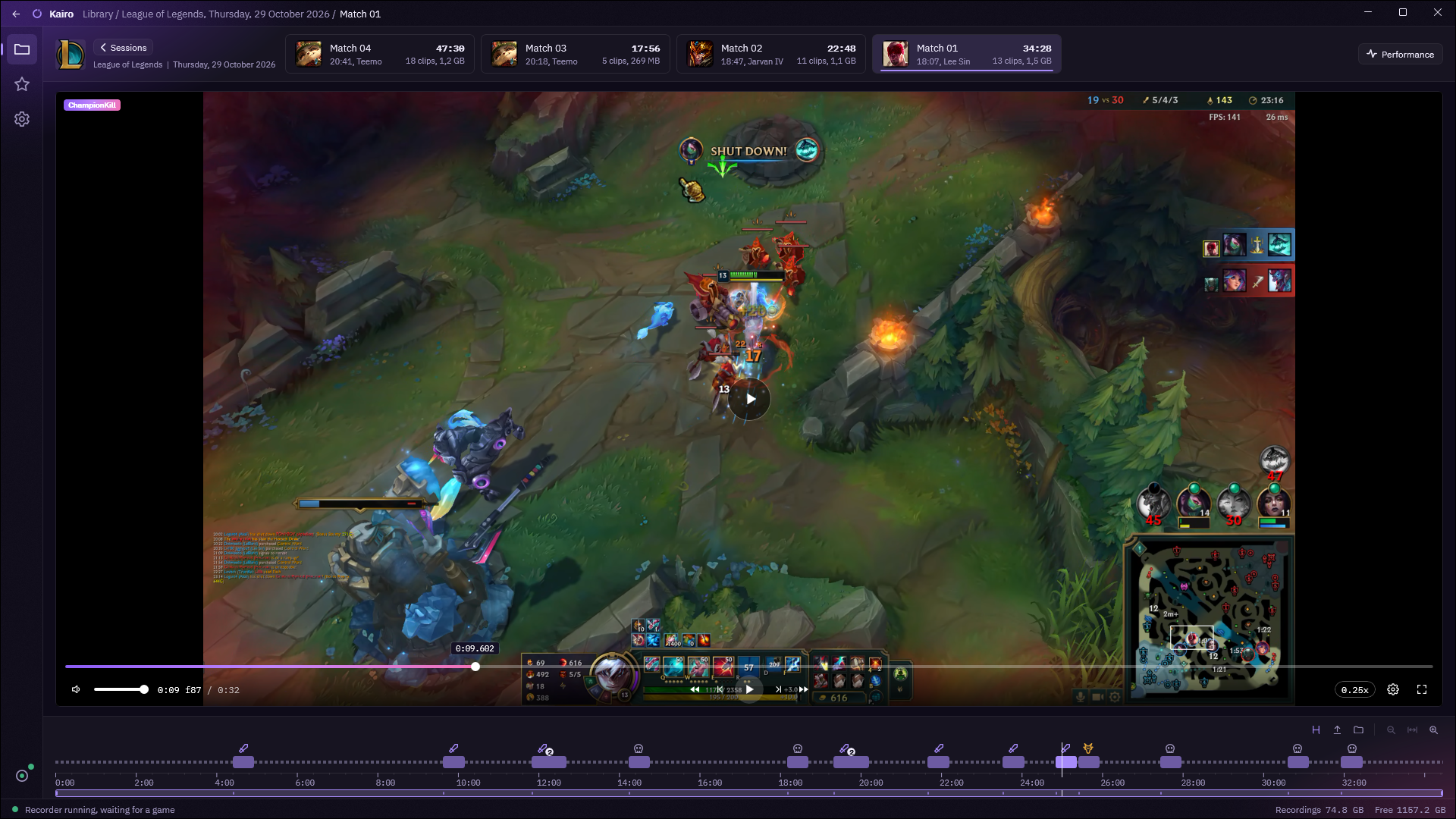
Kairo session view: a League of Legends match with its clips and highlights on the session track

Trim to the frame

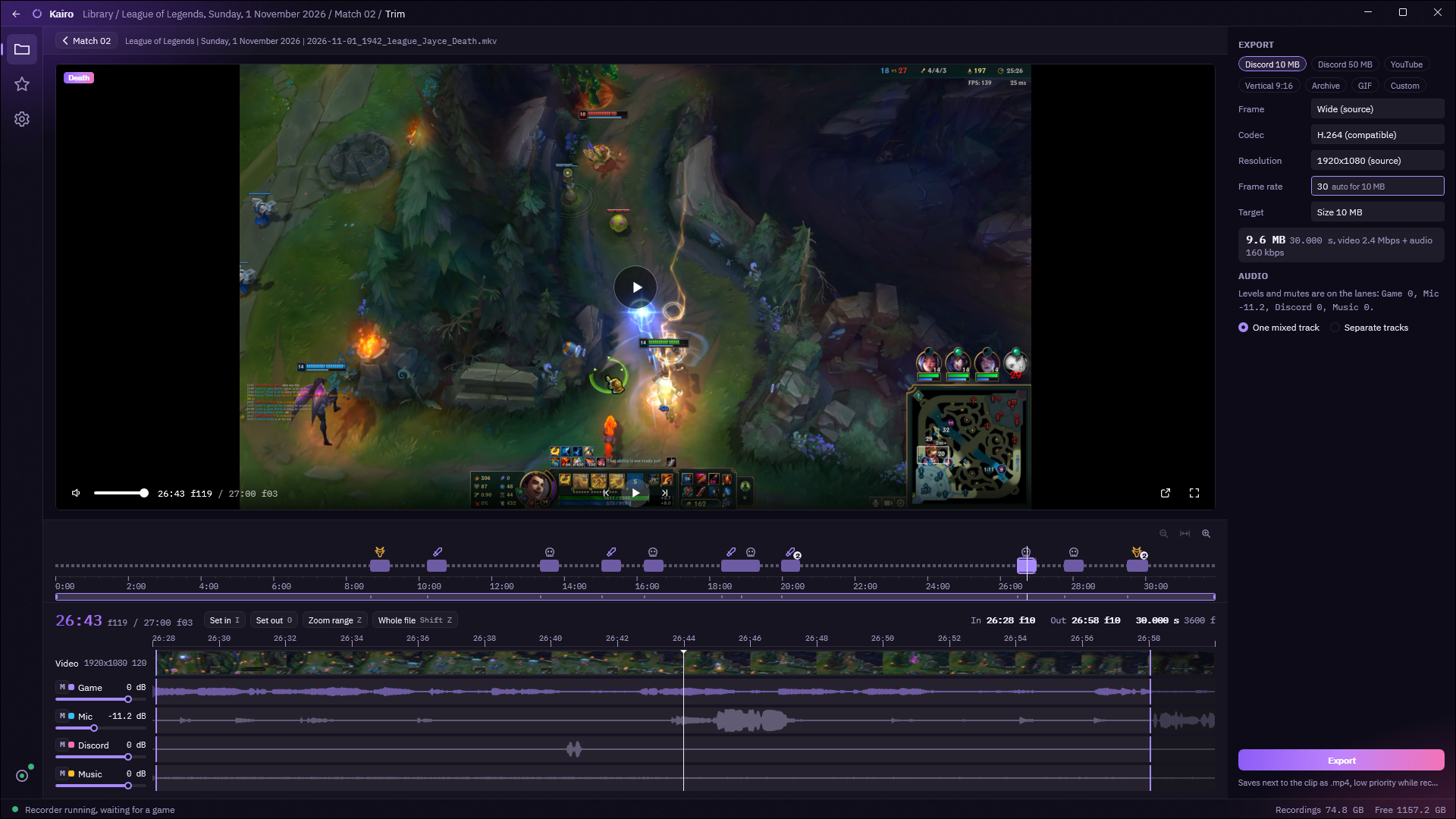
Game, mic, Discord and music are separate tracks. Mute or level each one and set in and out on the exact frame. The export matches the preview.

Kairo editor with four audio lanes and the export panel

Any game, no setup

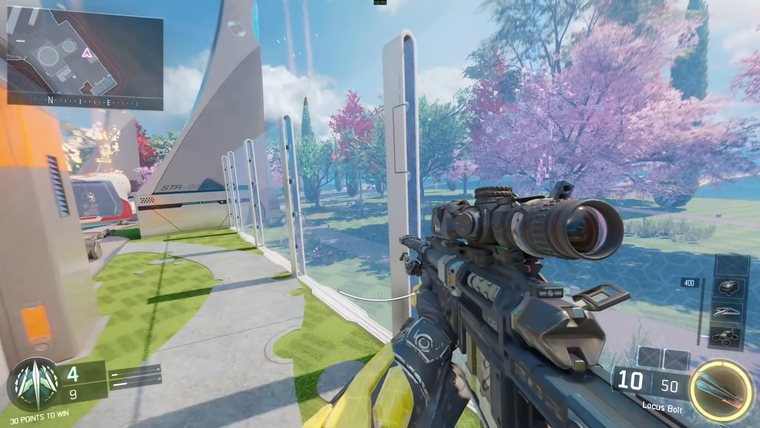
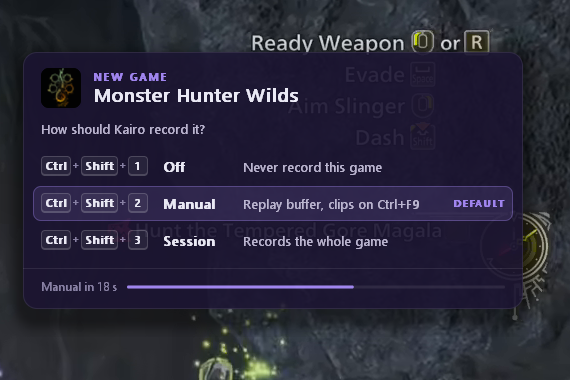
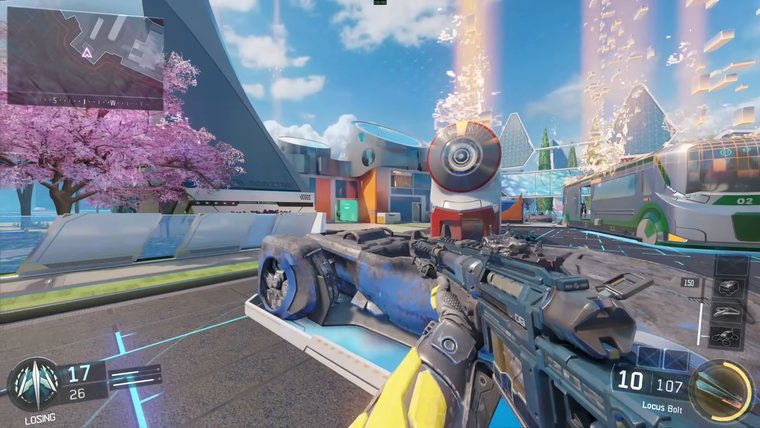
Kairo finds games from Steam, Epic, Riot, GOG, Battle.net and the Microsoft Store, plus anything that runs fullscreen. When a new game starts, a card asks how to record it.

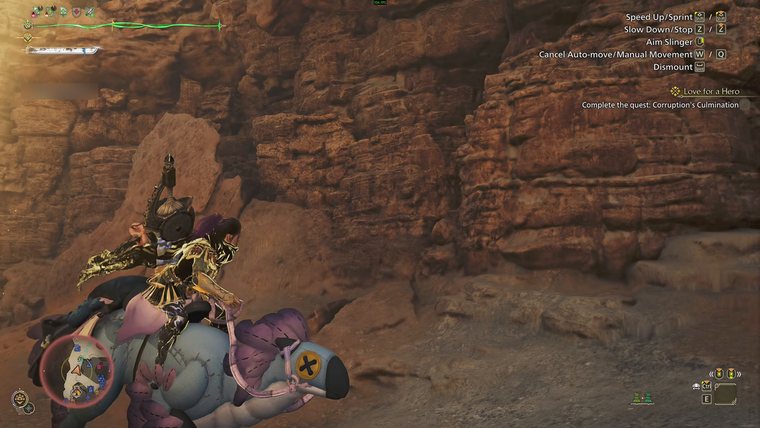
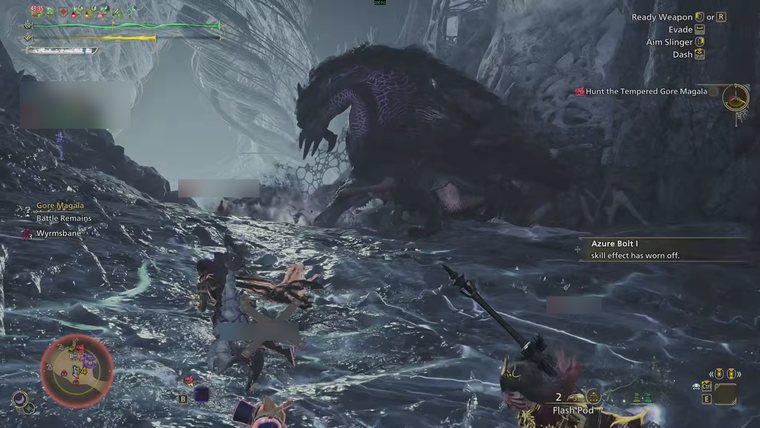
New game card over Monster Hunter Wilds: record it Off, Manual or Session

Auto highlights

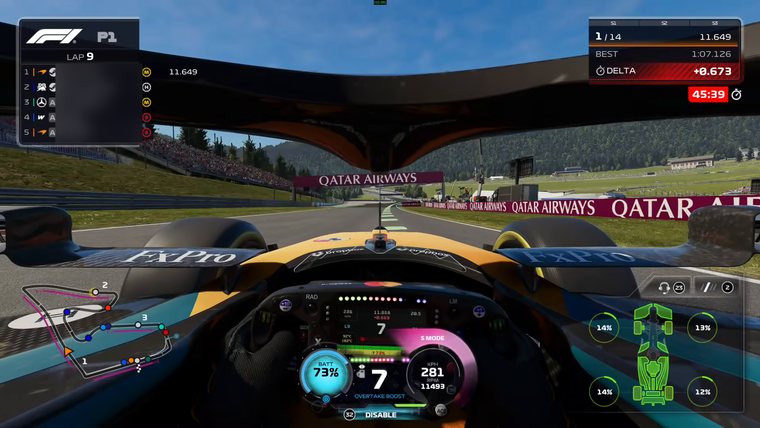
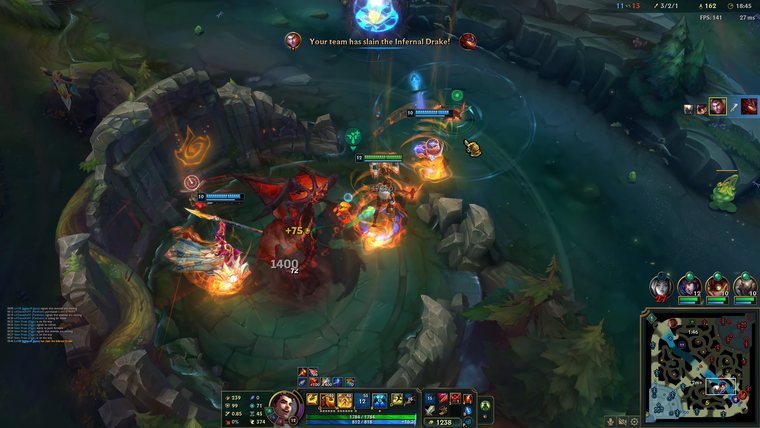
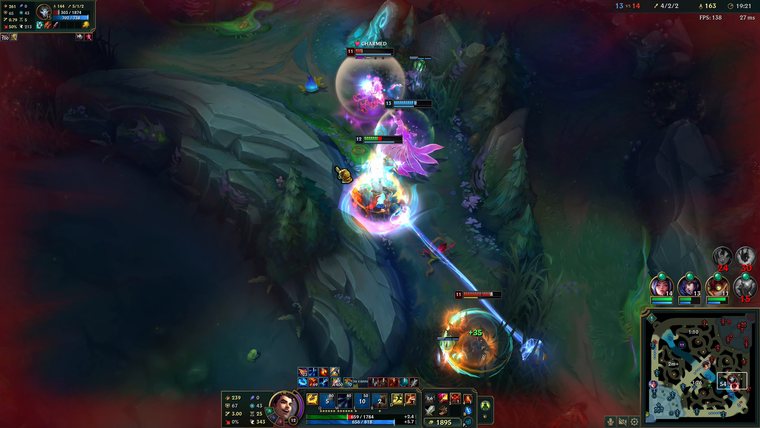
In League of Legends, kills, aces and objectives become clips on their own. F1 25 and a few other games have events too. You set the seconds before and after each event.
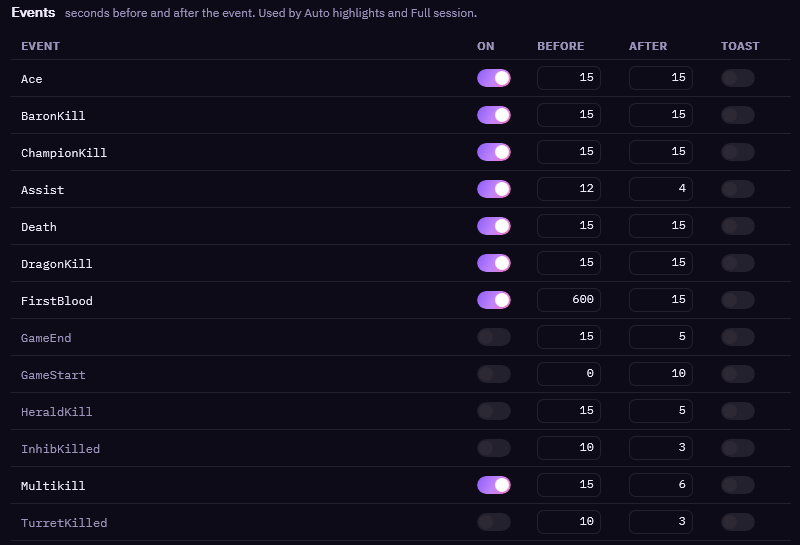
League of Legends events: ace, baron, champion kill, assist, death, dragon, first blood and more, each with seconds before and after

One key saves the clip

The buffer is always running. Ctrl+F9 saves 15 seconds before the press and 15 after, without re-encoding, and puts a flag on the timeline. Press again and the same clip gets longer.

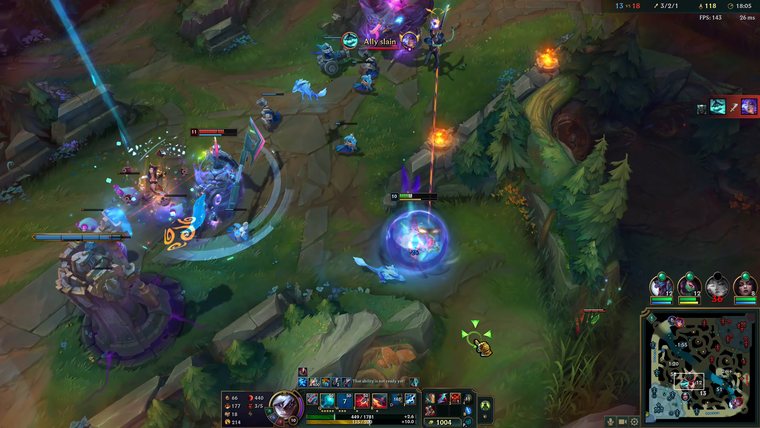
Session track of a League match with auto clips and the selected clip

More hotkeys

A second save key with a longer length. A button combo on the controller. A screenshot key that saves a PNG.
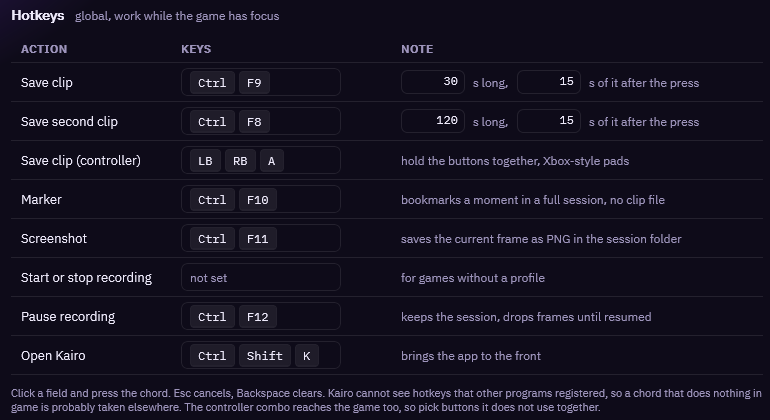
Settings, Hotkeys: save clip, save second clip, controller, marker, screenshot

Low overhead

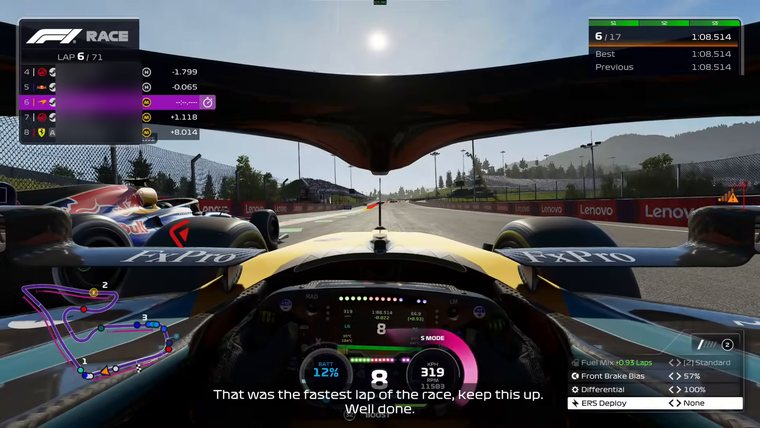
Kairo captures and encodes on the GPU. Frame rate in the F1 25 benchmark at 1440p, with and without Kairo recording.

F1 25, benchmark, Ultra with ray tracing
No recorder130 fps
Kairo124 fps
1440p, RX 9070 XT, Ryzen 7 5800X3D, with Discord, Spotify and YouTube open. Average of four runs.
League of Legends, 1080p at 144 fps
4%Recorder CPU use over a 21 minute match. 99.9 % of frames recorded.

Four audio tracks

Kairo records each app's own audio, so your device volume doesn't change the recording. Export the tracks separately for Resolve or Premiere, or as one mix.

Editor lanes: video, game, mic, Discord, music

Drag into Discord

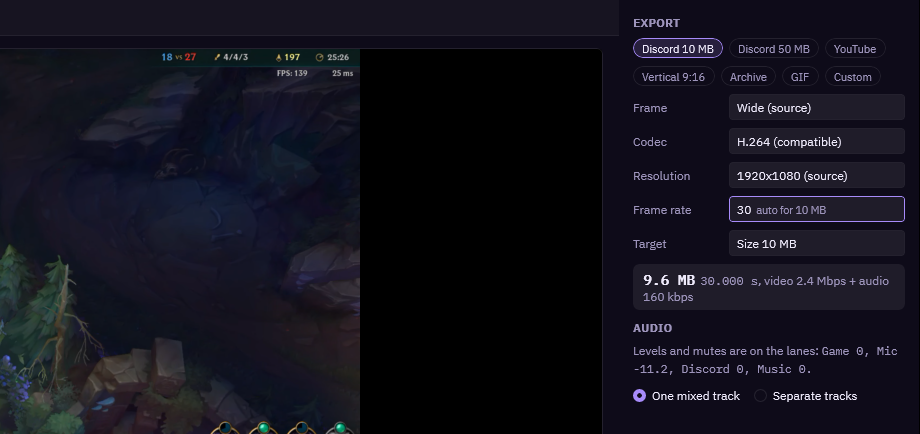
Drag a clip into Discord or Explorer, or copy it with Ctrl+C. The Discord preset fits it under 10 MB. Nothing gets uploaded.

Export panel at 1080p: Discord 10 MB picked, 9.6 MB for a 30 second clip

Vertical and GIF

The 9:16 preset adds a crop window you drag over the action. GIF exports stay under 10 MB. YouTube exports use AV1 at 60 fps.
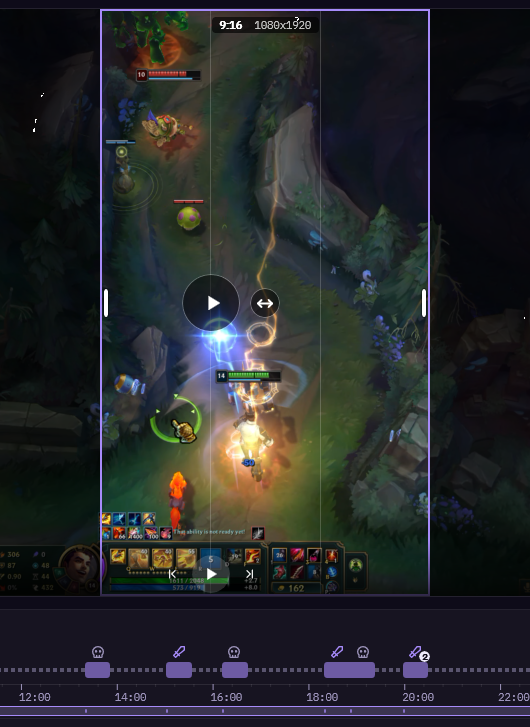
Vertical 9:16 picked, the crop window dragged onto the fight in a League of Legends clip, 1080x1920

Only the game

Kairo captures the game window by default, so Discord and your browser stay out of the clip. It never injects into the game and runs next to Vanguard and other anticheat.
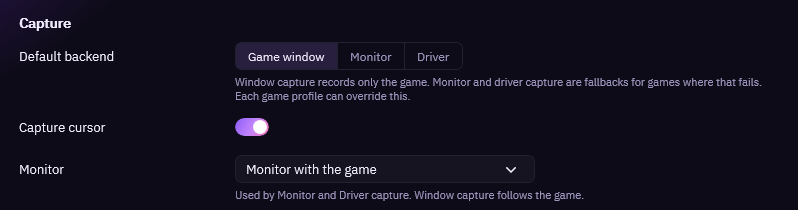
Capture settings: default backend Game window

Search your clips

Rename clips, add notes and tags, then search them. Filter by game. Select several clips to favorite or delete them at once.
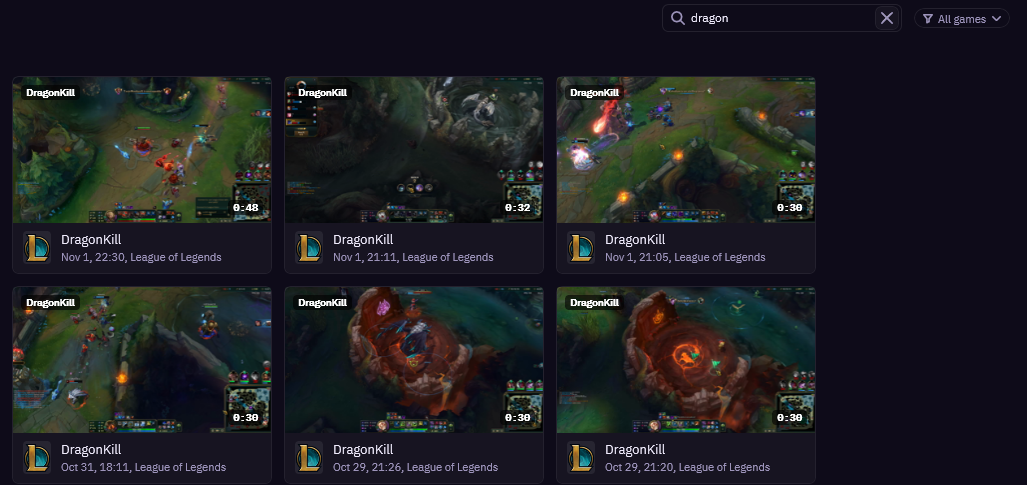
Library search for dragon: League of Legends DragonKill clips, All games filter next to the search box

Keep the moment.

Download for Windows
v0.3.0Windows 11Free, no accountNo Overwolf

Roadmap

What's next.

Up next

Working on it

  • F1 telemetry in the editor
  • F1 sessions split into practice, qualifying and race

Later

No date yet

  • Record from capture cards and consoles
  • Auto highlights for more games
  • More languages
  • HDR recording
  • VR support