

Instant replay for PC games.

Kairo is a free game clip recorder for Windows. The buffer runs in the tray, one key saves the 30 seconds around the moment, and the app trims the clip by the frame.

Download for Windows
v0.3.0 early accessWindows 11Free, no accountNo Overwolf
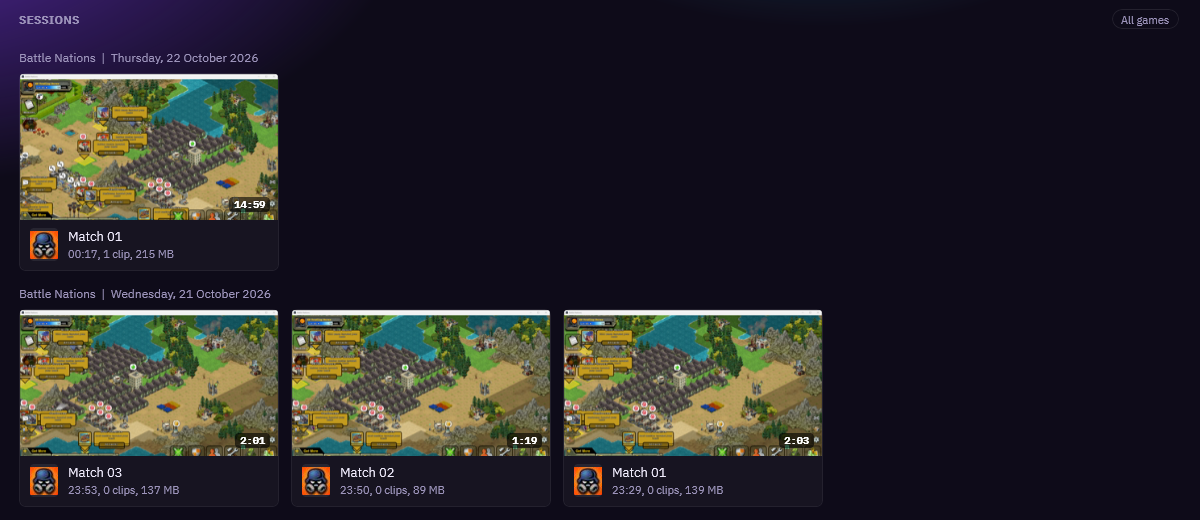
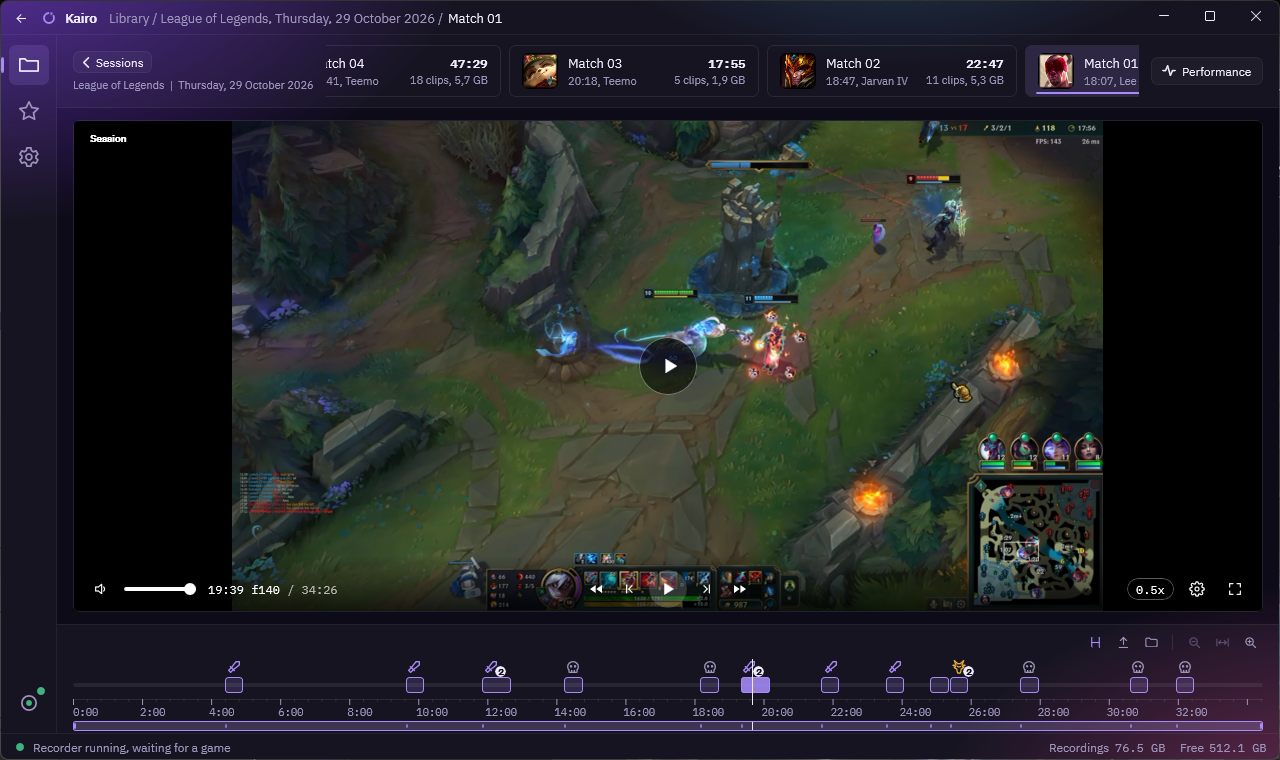
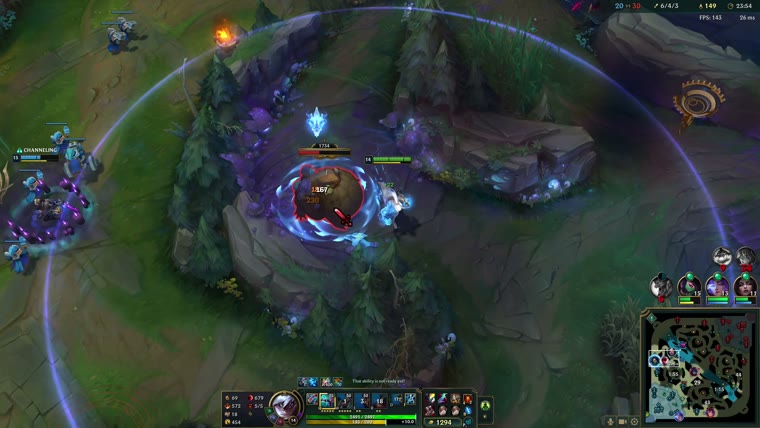
Kairo session view: a League of Legends match with its clips and highlights on the session track

An editor, not a trim slider

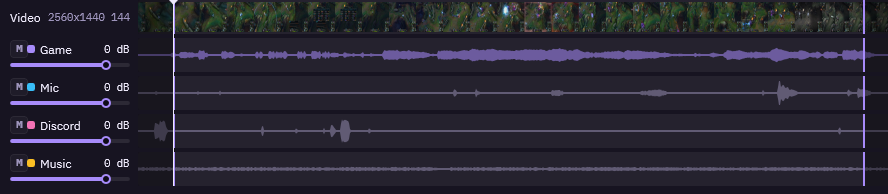
Game, mic, Discord and music arrive as separate tracks. Mute the music, turn the mic up, set in and out on the frame, and the export is exactly what the preview played.

Kairo editor with four audio lanes and the export panel

Any game, no setup

Kairo finds the games installed from Steam, Epic, Riot, GOG, Battle.net and the Microsoft Store, and records any other game that goes fullscreen. The first time a game starts, a card asks how to record it.
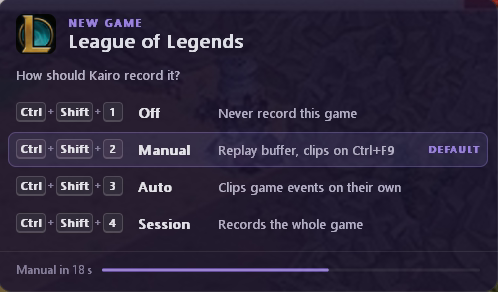
New game card: League of Legends, record it Off, Manual, Auto or Session

Highlights without a key

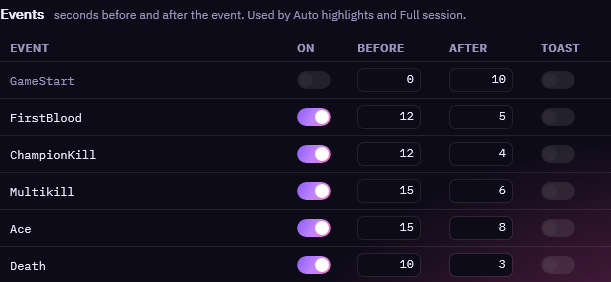
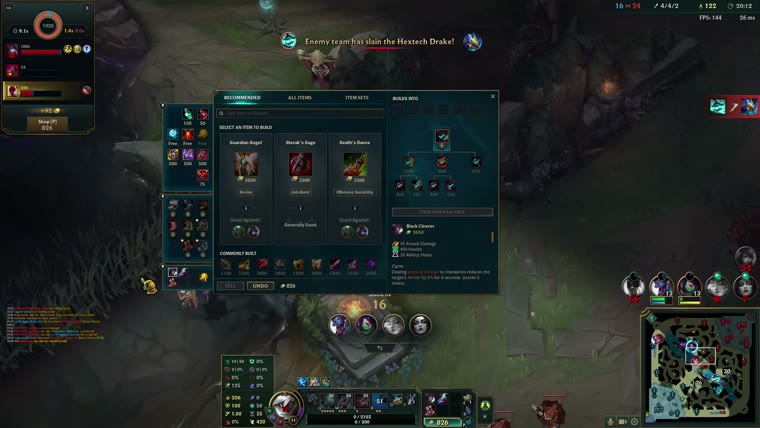
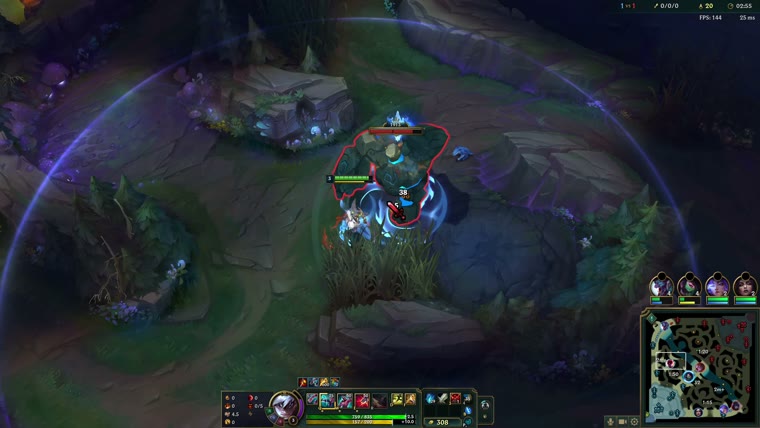
In League of Legends, kills, multikills, aces and objectives turn into clips on their own. In F1 25 it is overtakes, crashes, penalties, pit stops and your fastest lap. Each event has its own seconds before and after.

League profile events: First blood, champion kill, multikill, ace, death with seconds before and after

One key keeps the moment

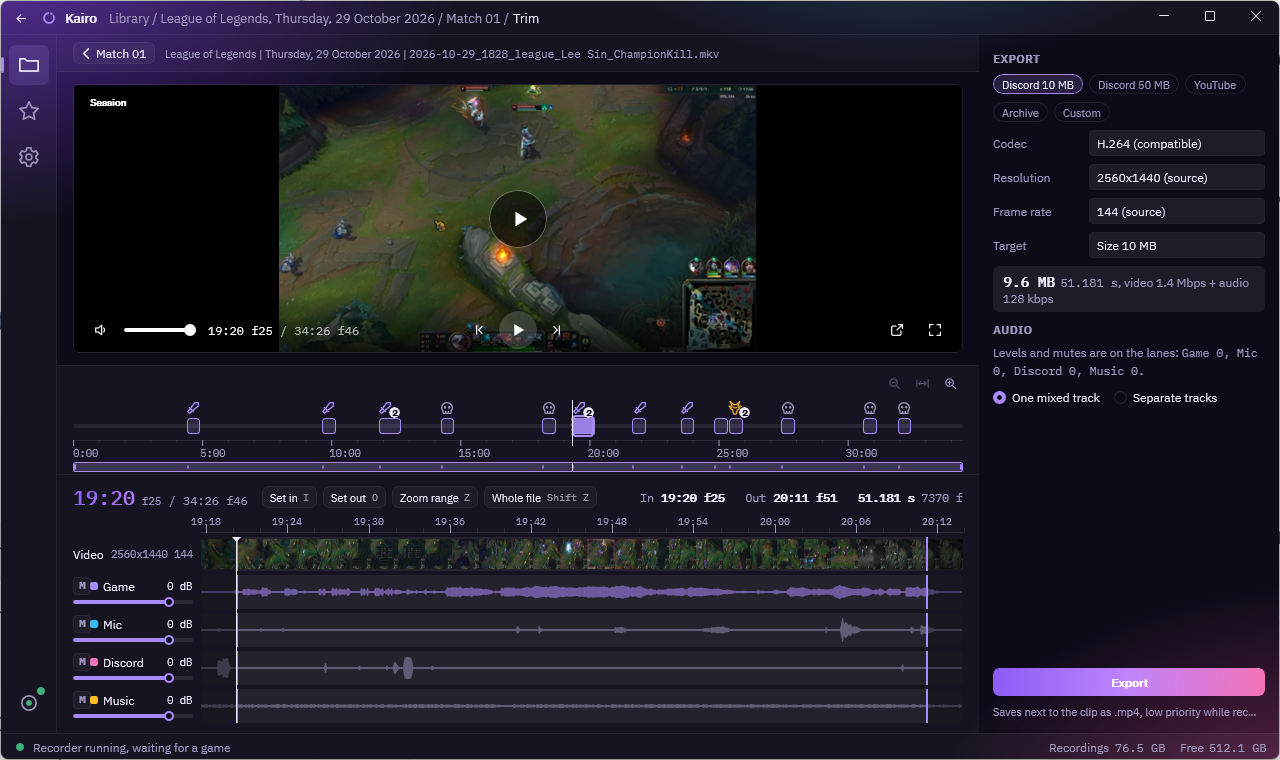
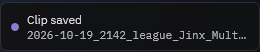
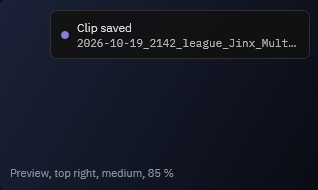
The buffer is already running when it happens. Ctrl+F9 keeps 15 seconds before the press and 15 after, writes the clip with no re-encode and puts a flag on the session track. Press again and the clip grows instead of splitting.

Session track of a League match with auto clips and the selected clip

More ways to keep it

A second save key with its own length, for the fight that started two minutes ago. A controller combo for when your hands are on the pad. A screenshot key for the frame you want as a picture.

CtrlF9Save the last 30 seconds
LBRBASave from the controller
CtrlF11Screenshot as PNG

Stays out of the game's way

The recorder sits in the tray, captures on the GPU and encodes on the GPU. Frame rate in the same benchmark, without a recorder and with Kairo recording at 1440p.

F1 25, benchmark, Ultra with ray tracing
No recorder130 fps
Kairo124 fps
1440p, RX 9070 XT, Ryzen 7 5800X3D, with Discord, Spotify and YouTube open. Average of four runs.
League of Legends, 1080p at 144 fps
4%CPU for the recorder over a 21 minute match, 99.9 % of the game's frames recorded.

Four audio tracks, kept apart

Each track comes from the app's own stream, so device volume does not matter. Keep the tracks separate on export for Resolve or Premiere, or let Kairo mix them.

Editor lanes: video, game, mic, Discord, music

From clip to Discord in one drag

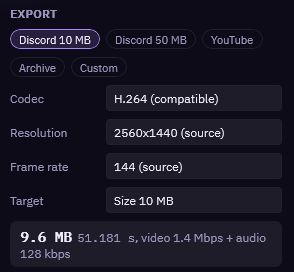
Drag the clip into Discord or Explorer, or press Ctrl+C and paste it anywhere. Quick export fits it under 10 MB in one click. No upload, no link to someone else's site.

Export presets: Discord 10 MB, Discord 50 MB, YouTube, Archive, Custom

Vertical for Shorts, GIF for chat

The Vertical 9:16 preset puts a crop window on the video, drag it onto the action. GIF fits a clip under 10 MB for chats that do not play video. YouTube exports in AV1 at 60 fps.
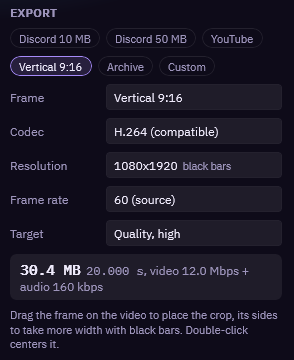
Export presets with Vertical 9:16 picked, 1080x1920

Records the game, not your desktop

Window capture of the game by default, so Discord and the browser never end up in the clip. No hooks, no injection: it sits next to Vanguard and other anticheat.
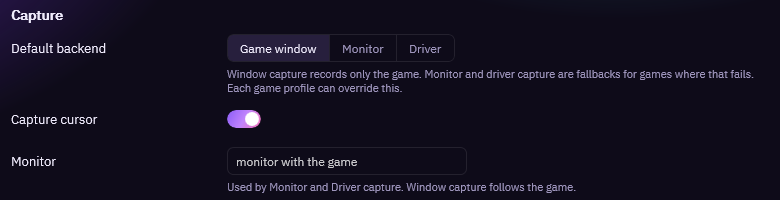
Capture settings: default backend Game window

Find the clip later

Rename a clip, add a note and tags, then search for it. Filter the library by game, and select several clips at once to favorite or delete them.
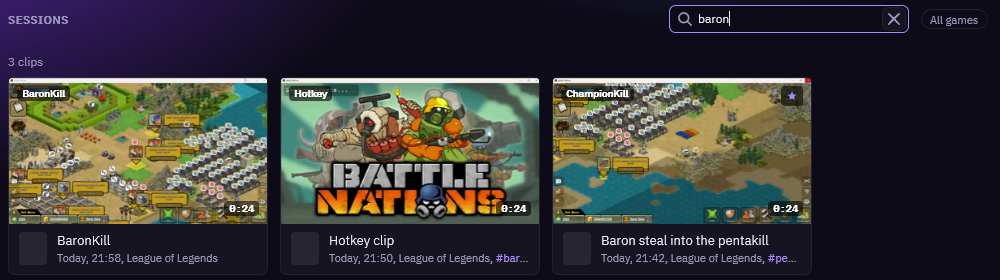
Library search for baron: three clips, one renamed Baron steal into the pentakill

Coming from Outplayed or Medal

Kairo is a free Outplayed and Medal alternative for people who want the clip and nothing else. No Overwolf, no account, no cloud, no watermark, no feed. Kairo is its own small app, not one more app inside a platform. The recorder never injects into a game, records the game window by default, and leaves plain files in your Videos folder.

Not there yetTrue exclusive fullscreen is still being tested, those games may fall back to capturing the monitor. Auto highlights cover League of Legends and F1 25, other games get the hotkey. Windows only.

Keep the moment.

Download for Windows
v0.3.0 early accessWindows 11Free, no accountNo Overwolf

Roadmap

On the way to 1.0.

Early access

v0.3, out now

  • Instant replay on one keyPlus a second key, a controller combo and screenshots.
  • Any game, no setupInstalled games and anything fullscreen.
  • Editor with four audio tracksGame, mic, Discord and music, cut on the frame.
  • Auto highlightsLeague of Legends and F1 25.
  • Full match recordingThe whole game as one file next to its clips.
  • Exports for every placeDiscord, YouTube in AV1, vertical 9:16 and GIF, on the GPU.
  • Smooth up to 1440p at 144 fpsEvery frame recorded, the game keeps its frame rate.
  • Tags, search and favoritesCleanup skips what you keep.

Working on

Next updates

  • Rewatch while you playFollow a match that is still running and scrub back.
  • Crash reports, if you allow themOff unless you turn them on.

Version 1.0

When all of this holds

  • Signed installerNo SmartScreen warning on first install.
  • Tested on AMD, NVIDIA and IntelEvery encoder path checked on real hardware.
  • Exclusive fullscreen checkedKnown games recorded without the monitor fallback.

After 1.0

No date yet

  • Consoles and capture cardsRecord from a capture card or another source.
  • Auto highlights for more gamesNext in line: games with a live event API.
  • F1 telemetry in the editorSpeed, gear and inputs next to the video.
  • HDR recordingKeep HDR games in HDR.